
What “AI” means on a WordPress site
In practice, most AI features in WordPress are not local magic: they are plugins or external services that send text, queries, or fragments of your site to an API (OpenAI, Anthropic, Google, or others) and return a response.
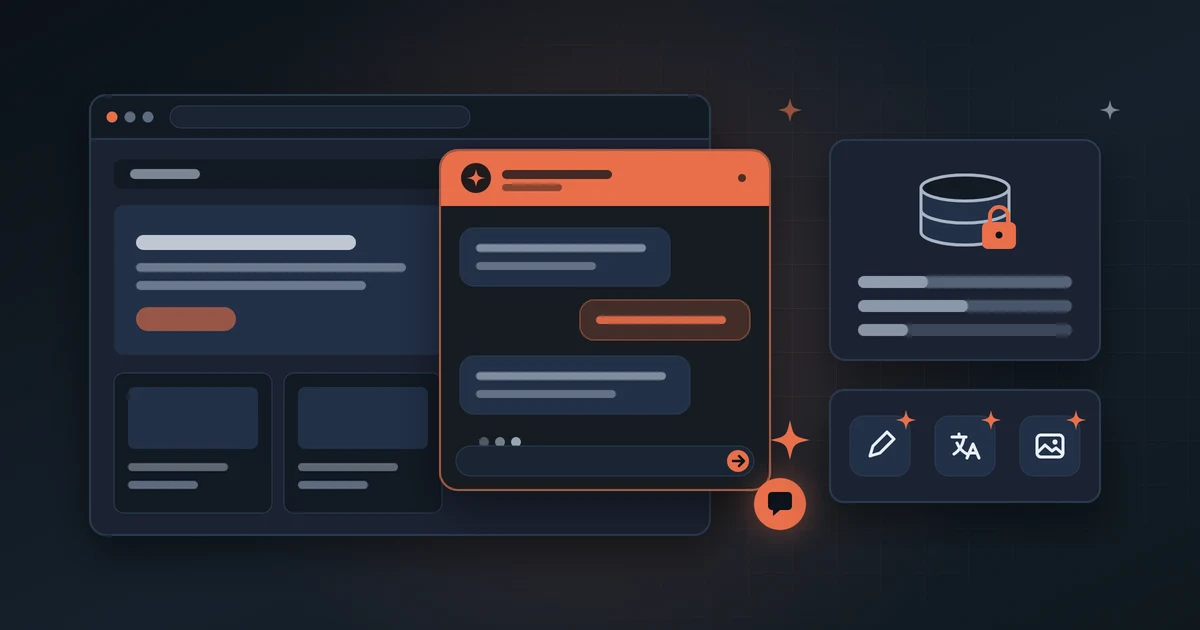
That can be useful — a chatbot answering FAQs, an assistant suggesting headlines, or an automatic translator — but each integration adds dependencies, costs, and decisions about what information leaves your server.
- Chatbots on the public site or in the WordPress dashboard.
- Generators for posts, meta descriptions, or images.
- Automatic content translation.
- “Smart” search within the site.
- Support automations connected to forms or CRM.
Common plugin and service types
Not all AI plugins do the same thing or carry the same risk. Distinguish whether AI only helps you write in the admin or interacts with visitors in production.
- Content assistants (dashboard only): usually little impact on visitors, but they use your API key and may process drafts with sensitive data if you are not careful.
- Public chatbots: load scripts on every visit, can slow the home page, and process conversations with personal data.
- Automatic SEO / schema: promise endless meta descriptions; sometimes generate duplicate or generic content that does not help rankings.
- Automatic translation: useful for multilingual sites, but check quality, cost per character, and whether poor versions get indexed in Google.
- All-in-one suites: many features, larger attack surface, harder to disable without breaking something.
Data, privacy, and compliance
If your site has forms, client areas, health data, minors, or EU users, AI is not a minor technical detail: it is information processing that may require transparency in your privacy policy and a clear legal basis.
Read what the plugin stores (conversations, IPs, emails), where it is stored, whether models are trained on your data, and whether you can export or delete history when a user asks.
- Does the chatbot log conversations on third-party servers?
- Are form or order data sent to the API without anonymization?
- Does your privacy policy mention AI providers?
- Can you disable the chatbot on sensitive pages (checkout, login, private area)?
- Can you limit which pages or documents the assistant indexes?
Performance and hosting: what marketing does not say
A chatbot loading on every page adds JavaScript, external calls, and sometimes real-time queries. On shared hosting or already heavy sites, that shows up on mobile and Core Web Vitals.
Plugins that generate content at scale can bloat the database with drafts, logs, or embeddings. Before activating anything in production, test on staging or during low-traffic hours.
- Measure the home page with and without the plugin (PageSpeed, GTmetrix, or WebPageTest).
- Load the chatbot only where it helps — not site-wide by default.
- Check whether the plugin requires cron, queues, or extra PHP processes.
- Monitor API usage: misconfigured limits can mean surprise bills.
Checklist before installing an AI plugin
Before installing, define the concrete problem and check whether the plugin fits your workflow. This list helps decide if it adds value or just noise.
- 1. Define the concrete problem (fewer support tickets, draft FAQs, translate a section).
- 2. Check recent reviews, update frequency, and compatibility with your WordPress and PHP version.
- 3. Backup or staging before activating in production.
- 4. Read the data policy of the AI provider and the plugin.
- 5. Configure API keys with spending limits and periodic rotation.
- 6. Test wrong answers: what happens if the bot invents prices or deadlines?
- 7. Document what you activated and how to disable it without leaving orphan scripts.
When to get help
It makes sense to write to us if you want a chatbot but do not know where to host it, if the site got slow after installing AI, if you handle sensitive data and need a privacy review, or if you already tried two plugins and neither fits your real workflow.
Write to us if you want a chatbot but do not know where to host it, if the site got slow after adding AI, if you handle sensitive data and need a privacy review, or if you tried two plugins and neither fits your workflow.
We pick the minimum integration that solves the case and configure it on your hosting or managed WordPress.