

What AI is good for in an SME (and what it is not)
AI works well on repetitive tasks with clear context: draft replies, meeting summaries, headline ideas, query classification, first versions of internal documentation.
It works poorly when you expect it to replace human judgment on legal, medical, financial, or security topics without review — or when you hope it “fixes” a broken process that first needs to be ordered.
- Yes: speed up drafts, FAQs, template emails, transcriptions, internal doc search.
- With care: automated customer support, public content generation, official translations.
- Avoid without supervision: regulated advice, contracts, diagnoses, critical server configuration.
Criteria for choosing a tool
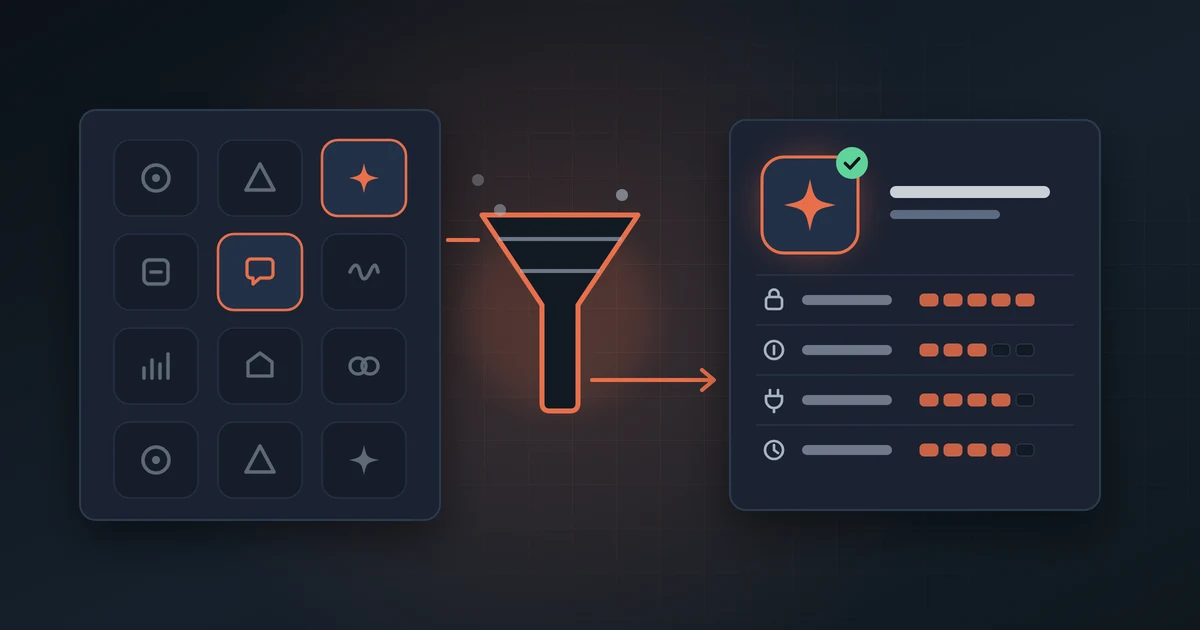
Before paying for an annual plan, answer these questions honestly. They save months of duplicated subscriptions.
- What concrete task do you do today and how long does it take?
- Does the tool integrate with what you already use (Google Workspace, Microsoft 365, WordPress, CRM) or is it another island?
- Who on the team will actually use it?
- What happens to data you upload: training, retention, jurisdiction?
- Is there export, history, and access control?
- Is there a free plan or trial enough to test a week with real cases?
Hidden costs: subscriptions, API, and extra seats
The most common mistake is paying for ChatGPT Plus, Copilot, Notion AI, a site chatbot, and an image generator — when one well-chosen tool would cover 80% of the team’s real use.
If you connect AI to your site or CRM via API, cost is not just the subscription: token usage, conversation storage, and someone’s time to maintain it.
- Map active subscriptions before adding another.
- Set a monthly API cap if you use custom integrations.
- Avoid buying a seat for every employee if only two people produce content.
- Renew annually only after 30–60 days of real use, not for a discount.
Integration and sensitive data
Do not paste contracts, client data, credentials, or medical information into any public chat. Use business accounts with clear policies when the vendor offers them, and separate internal use from what goes on the public site.
If AI connects to WordPress, email, or hosting, review minimum permissions: an API key should not have admin access if it only generates meta descriptions.
- Simple internal policy: what can be pasted into AI and what cannot.
- Individual accounts; do not share paid tool logins.
- Disable training on your data when the option exists.
- Periodically review OAuth integrations connected to Google or Microsoft.
Start small: a two-week pilot
Pick one measurable use case — for example, answering the ten most frequent email queries or drafting commercial proposal first versions. Assign an owner, define what a human reviews before publishing, and measure whether it actually saves time.
If the pilot is not used in two weeks, the tool probably does not fit the team workflow. That is not your failure: it is a signal not to scale the subscription.
- Week 1: test with fictitious data or old already-resolved cases.
- Week 2: use in production with mandatory human review.
- At the end: how many hours saved?, any serious errors?, would the team adopt it on their own?
When advisory makes sense
Write to us if you have three overlapping AI tools and none configured well, if you want a site chatbot but do not know which hosting or plugin fits, if you handle sensitive data and need privacy and integrations sorted, or if you want a recommendation for your size and budget.
Same approach as hosting: pay only for what you need, integrate it properly, and avoid stacking trendy software you will not use.